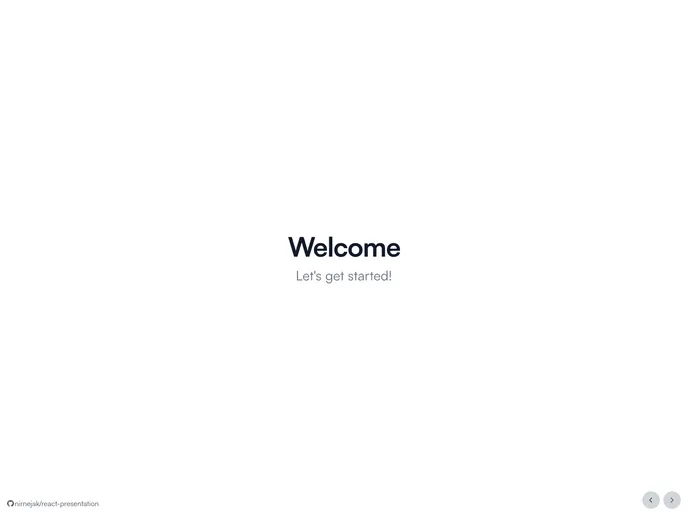
Use your React components as presentation slides
The product being analyzed is a theme or template that includes slide components for creating presentations. It provides a variety of components such as a cover slide, about slide, and outro slide, along with additional wrapper components for formatting. The theme also utilizes several additional packages for styling, animations, icons, and sound effects.
To install the theme and get started, follow these steps:
Install the required dependencies by running the following command:
npm install
Install Git hooks, which are required for development, using the following command:
npm run install-git-hooks
Start the development server by executing the following command:
npm run start-dev-server
Lint all the files with the following command:
npm run lint
Format all files using Prettier by running the command:
npm run format
Check for TypeScript issues with the following command:
npm run check-typescript
Build the theme for production by running:
npm run build-production
Start the production server using the command:
npm run start-production-server
The analyzed product is a theme or template for creating presentations with slide components. It offers features such as cover, about, and outro slides, along with wrapper components for formatting. The theme utilizes additional packages for styling, animations, icons, and sound effects. The installation guide provides step-by-step instructions for setting up the theme and starting the development or production server.