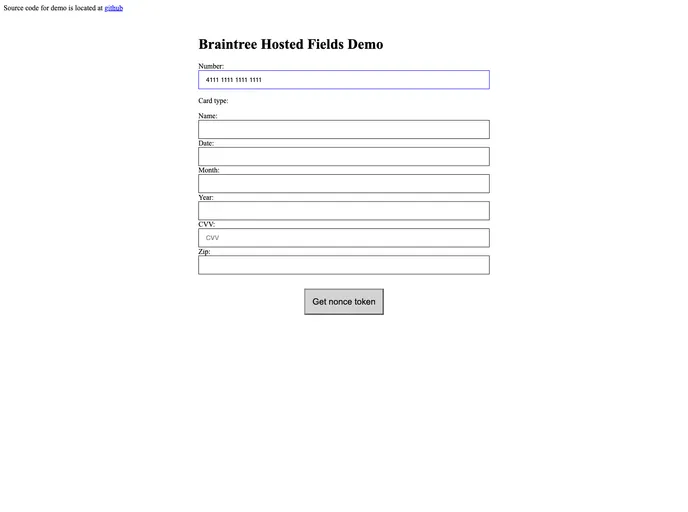
React components for Braintree hosted fields
Integrating payment solutions into your web applications can often be a challenging task, especially when dealing with sensitive information like credit card details. The React components for Braintree’s Hosted Fields aim to simplify this process, offering developers an easy-to-use interface for handling transactions securely. By utilizing these components, developers can efficiently implement Braintree’s payment processing capabilities while ensuring compliance with industry standards.
These components are designed not only for ease of integration but also allow for flexibility and customization. Whether you’re building a single-page application or a full-fledged e-commerce site, these tools can help streamline your payment workflows and enhance user experience.
Authorization: Requires either a tokenization key or a client token, ensuring secure transactions right from initialization.
onAuthorizationSuccess Callback: Triggered when Braintree successfully initializes the form, allowing for additional custom actions after setup.
Customizable Styles: Offers an object for styling input fields, enabling developers to align the payment form with their application’s design seamlessly.
Error Handling: An onError function is provided to handle any encountered errors during the payment process, aiding in debugging and improving the user experience.
Tokenization Functionality: The getTokenRef function provides access to a tokenization method that returns a promise, managing the complexities of payment processing.
Data Collection Support: The onDataCollectorInstanceReady function allows integration with Braintree’s Advanced Fraud Tools, enhancing security measures.
HostedField Component Customization: This component can be tailored to dictate field type, placeholder text, and other Braintree options, making it flexible for various input scenarios.
Field Method Access: Fields support “focus” and “clear” methods, giving developers granular control over input behavior and user interaction.