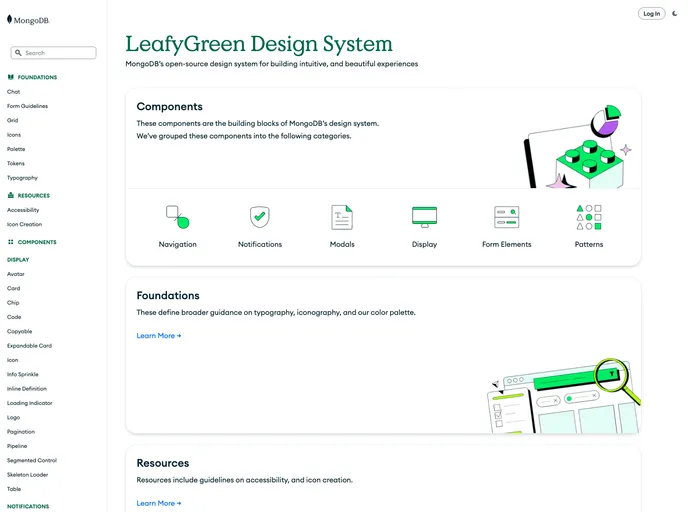
LeafyGreen UI – LeafyGreen's React UI Kit
The LeafyGreen CLI is a tool that allows users to create or open a React project and easily install and import LeafyGreen components. Users can choose to install all or some of the LeafyGreen components, depending on their needs. Alternatively, users can install individual components using npm or yarn without the CLI.
To use the LeafyGreen CLI and components, follow these steps:
npm install -g @leafygreen-ui/cli
leafygreen install all
If you only want to install specific components, run the following command:
leafygreen install <component>
Replace <component> with the name of the component you want to install.
import { ComponentName } from '@leafygreen-ui/<component>';
Replace <component> with the name of the component you want to import.
Alternatively, if you don’t want to use the LeafyGreen CLI, you can install individual components using npm or yarn. Run the following command to install a specific component:
npm install @leafygreen-ui/<component> --save
or
yarn add @leafygreen-ui/<component>
Replace <component> with the name of the component you want to install.
The LeafyGreen CLI provides an easy way to create or open a React project and install LeafyGreen components. Users can choose to install all or some components, or install them individually using npm or yarn. With the ability to import components into their project, users can quickly start building their UI with LeafyGreen components.

