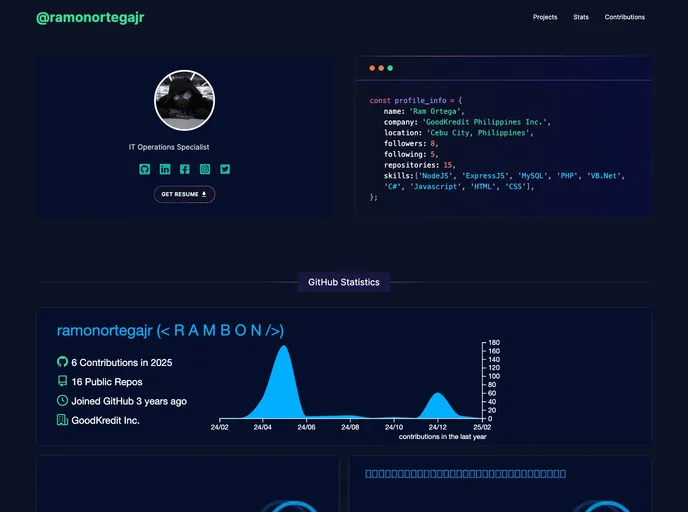
A Next.js GitHub Homepage template that incorporates powerful and popular libraries and practices. Developed using TypeScript with Next.js, TailwindCSS, Framer Motion and React Spring.
This product analysis examines a Frontend Next.js application that simulates the homepage of GitHub. Built with Next.js, TypeScript, and TailwindCSS, this application leverages server-side rendering and the app router to deliver a responsive and user-friendly experience. The project aims to showcase the potential of Next.js and its ability to revolutionize web application development.
To install the Next.js application, follow these steps:
npm install.npm install.npm run dev.This product analysis examined a Frontend Next.js application that simulates the homepage of GitHub. The application is built using Next.js, TypeScript, and TailwindCSS, showcasing the potential of Next.js in revolutionizing web application development. Key features of the application include server-side rendering, an app router for seamless navigation, and a responsive design. The installation process involves downloading or cloning the repository, installing the required packages, and running the application locally. With its familiar interface and powerful tools, this Next.js application offers an optimized and user-friendly experience for users.

