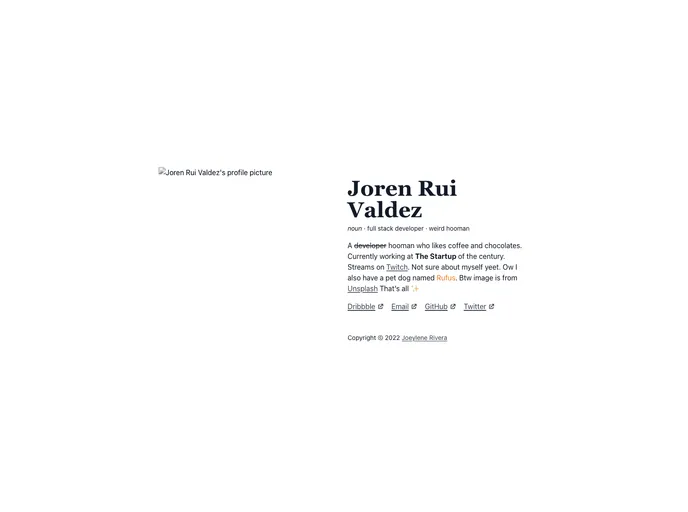
Norui Minimal screenshot

Norui Minimal

Author Avatar Theme by Jorenrui
Updated: 1 Jan 2023
8 Stars

A minimal norui portfolio example built with NextJS and powered by Notion .

Categories

Overview

Minimal Norui is a minimal portfolio example built with NextJS and powered by Notion. It is designed to showcase a minimalistic and clean design aesthetic. With its use of NextJS and Notion, it provides a smooth and efficient user experience.

Features

  • TypeScript: Minimal Norui is built using TypeScript, providing strong typing and better code structure.
  • NextJS / ReactJS: The portfolio example is built on NextJS and ReactJS, making it highly performant and efficient.
  • TailwindCSS: The design of Minimal Norui is implemented using TailwindCSS, offering a customizable and responsive layout.
  • Notion API: Minimal Norui is powered by Notion API, enabling seamless integration with Notion’s powerful capabilities.

Installation

To install Minimal Norui, follow these steps:

  1. Ensure you have Node.js installed on your machine.
  2. Clone or download the Minimal Norui repository from GitHub.
  3. Navigate to the project directory in your terminal.
  4. Run the following command to install the project dependencies:
npm install
  1. After the installation is complete, run the following command to start the development server:
npm run dev
  1. Open your browser and visit http://localhost:3000 to see the Minimal Norui portfolio example in action.

Summary

Minimal Norui is a minimalistic portfolio example that demonstrates the power of NextJS, ReactJS, TailwindCSS, and Notion API. With its clean design and efficient implementation, it provides a seamless and immersive user experience. The use of TypeScript adds to the code quality and maintainability of the project. Whether you are looking to build your own portfolio or explore the capabilities of NextJS and Notion, Minimal Norui is a great starting point.