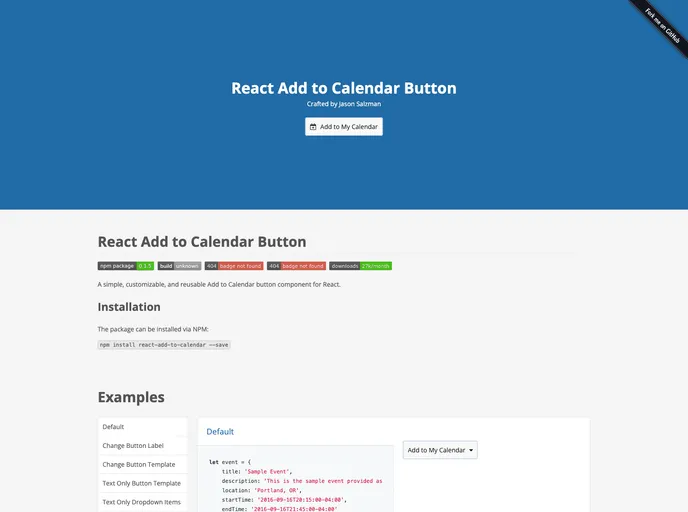
Overview
The React Add to Calendar Button is a handy component designed for developers who want to enhance their web applications with a convenient scheduling feature. This simple and customizable button allows users to easily add events to their calendars, streamlining the process of managing appointments or reminders. Built with a focus on reusability, this component integrates seamlessly into React applications, offering flexibility and ease of installation.
Beyond its primary functionality, the component is designed to be compatible with the latest versions of popular browsers, ensuring a smooth user experience. Its developer-friendly setup and comprehensive documentation make it an excellent choice for anyone looking to broaden the capabilities of their React projects.
Features
- Customizable Design: Tailor the button’s appearance to fit your application’s theme with easy-to-use styling options.
- Simple Installation: Easily integrate the component into your project via NPM, with straightforward installation instructions.
- Compatibility: Works with React 16.2.0 and newer, while supporting modern browsers like Chrome, Firefox, Safari, and IE10+.
- Reusable Component: Designed for multiple uses, allowing you to implement the calendar button across various parts of your application without redundancy.
- Local Development Support: Comes with a master branch for the latest version and includes a web server setup for testing your implementation locally.
- Comprehensive Testing: Integrated testing suite ensures reliability and functionality, encouraging developers to maintain high quality while adding features.
- Detailed Documentation: Includes examples and full lists of props, making it easier to understand and implement the component effectively.