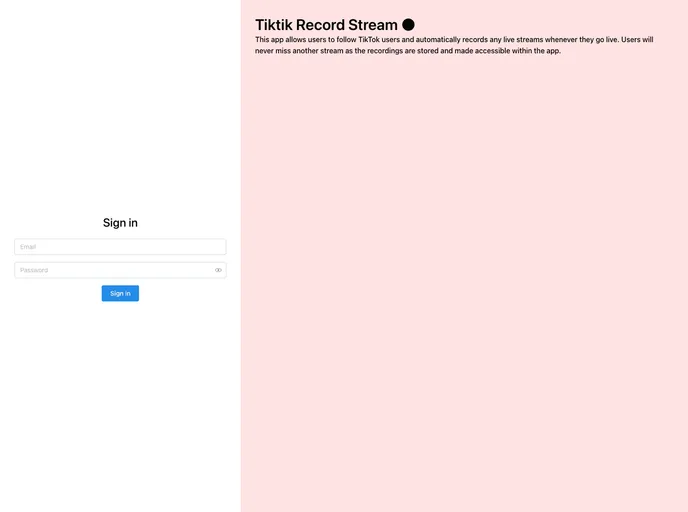
This app allows users to follow TikTok users and automatically records any live streams whenever they go live. Users will never miss another stream as the recordings are stored and made accessible within the app.
If you’re a fan of TikTok and want to ensure you never miss a live stream from your favorite creators, the TikTok Stream Recording and Upload Project is a must-have solution. This innovative system automates the process of recording TikTok live streams and managing stored videos, allowing users to effortlessly stay updated with their favorite streamers. With its seamless integration with Azure services, it promises both efficiency and reliability in recording and storing content.
Setting up this project is quite straightforward. Once you’ve configured the necessary environment variables and prerequisites, such as an Azure subscription and a backend for scheduling, you can simply follow TikTok users through the web app. The project takes care of the rest—recording streams automatically when they go live and ensuring secure access to the stored videos.
Automated Stream Recording: The project automatically captures TikTok live streams the moment a streamer goes live, so you never have to worry about missing out on important moments.
Azure Container Instance Orchestration: It dynamically boots up container instances to begin recording streams, and efficiently deletes them once the recording is complete, optimizing resource usage.
Video Storage in Azure Blob Storage: Recorded streams and thumbnails are securely uploaded to Azure Blob Storage, offering a reliable solution for long-term storage.
Expiring Access URLs: The system generates expiring SAS (Shared Access Signature) URLs, ensuring that recorded videos can only be accessed securely within a designated time frame.
Optional Thumbnail Generation: You can create a visual preview by generating a thumbnail from the recorded stream, making it easier to navigate through your video contents.
Cleanup: The project includes a built-in cleanup mechanism that deletes unused container instances and old images in the container registry, maintaining an efficient and organized environment.

