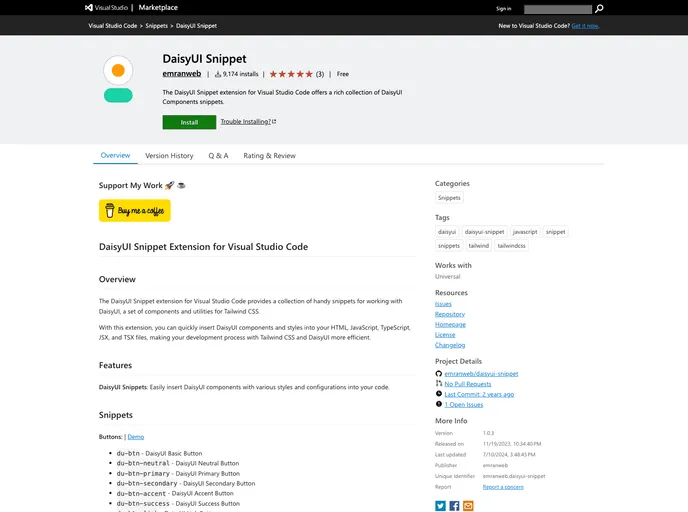
Daisyui Snippet screenshot

Daisyui Snippet

Author Avatar Theme by Emranweb
Updated: 10 Jul 2024
12 Stars

The DaisyUI Snippet extension for Visual Studio Code offers a rich collection of DaisyUI Components snippets.

Categories

Overview

The DaisyUI Snippet extension for Visual Studio Code is a useful tool for developers working with DaisyUI, a collection of components and utilities for Tailwind CSS. With this extension, you can easily insert DaisyUI components and styles into your code files, making your development process more efficient.

Features

  • DaisyUI Snippets: Insert DaisyUI components with various styles and configurations into your code.
  • Buttons: Easily add DaisyUI buttons with different styles, sizes, and configurations.
  • Dropdown Menu: Insert DaisyUI dropdown menus with various alignment options.
  • Modal: Add DaisyUI modal dialogs with different features like custom width and responsiveness.
  • Swap: Use DaisyUI swap elements to create text, icon, and button effects.
  • Theme Controller: Add a DaisyUI theme controller to toggle between different themes.

Installation

To install the DaisyUI Snippet extension for Visual Studio Code, follow these steps:

  1. Open Visual Studio Code and go to the Extensions view (click on the square icon on the left sidebar).
  2. Search for “DaisyUI Snippet” and click on the “Install” button next to the extension.
  3. Once the installation is complete, click on the “Reload” button to activate the extension.

Summary

The DaisyUI Snippet extension for Visual Studio Code is a handy tool for developers working with DaisyUI and Tailwind CSS. It provides a collection of snippets that allow you to quickly insert DaisyUI components and styles into your code, saving you time and making your development process more efficient. With features like buttons, dropdown menus, modals, swap effects, and theme controllers, this extension enhances your coding experience and helps you build stylish and functional UIs.