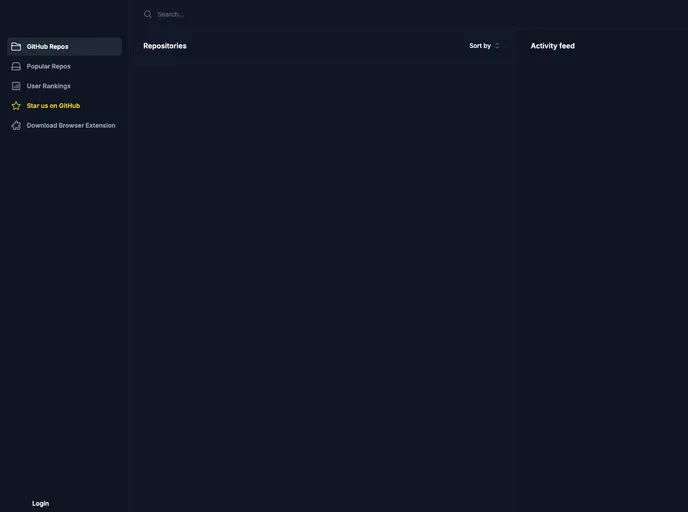
RepoRater screenshot

RepoRater

Updated: 1 Oct 2024
159 Stars

Rate GitHub Repos for Developer Experience (DX)

Categories

Overview

RepoRater is a project that allows users to rate GitHub repositories from the Developer Experience (DX) perspective. Users can consider factors such as the community engagement, documentation quality, and maintainers’ support when rating a repository.

Features

  • Login with GitHub OAuth
  • Rate a Repo
  • List all Repos
  • List popular Repos
  • Leaderboard of most active users
  • README badges
  • Search Repos

Installation

  1. Sign up to Appwrite and create a project (free).
  2. Create a database with required collections and attributes:
    • ratings: integer
    • repos: integer
    • stars: integer
    • url: url
    • username: string (128)
    • rating: integer
  3. Copy .env.example template file to .env and add necessary values.
  4. Obtain private keys from Appwrite and add them to the .env file.
  5. Create an OAuth app on GitHub and connect it with Appwrite Authentication.
  6. Enable read permissions for all users on collections ratings and repos.
  7. Create an index on collection repos, named url_search with attribute url and type fulltext.
  8. Run the development server with npm run dev.
  9. Open http://localhost:3000 in your browser to see the result.

Summary

RepoRater is a platform that facilitates rating GitHub repositories based on the Developer Experience (DX) perspective. Users can log in with GitHub OAuth, rate repositories, view popular repositories, and engage with the community through features like the leaderboard. The installation process involves setting up a project on Appwrite, creating databases with specific attributes, and configuring OAuth apps. Additionally, users can add RepoRater badges to their README files to showcase repository ratings.