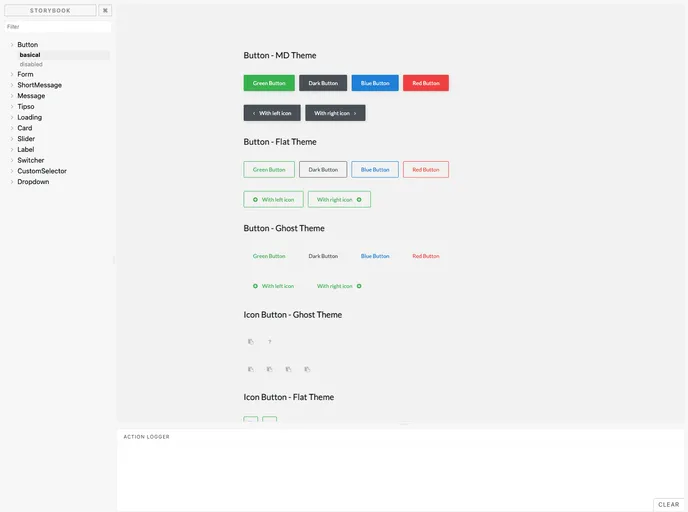
A lightly React UI library
The content provided is a table of contents generated with DocTocLight-UIDoc. It includes information about the npm version and the license of the Light-UI component. The content also mentions the author of the component, ecmadao.
To install the Light-UI component, follow these steps:
npm install light-ui.The provided content is a table of contents for the Light-UI component. It includes information about the npm version, license, and author of the component. The table of contents is generated using the DocTocLight-UIDoc tool. Additionally, the installation guide provides instructions on how to install and use the component in a project.

