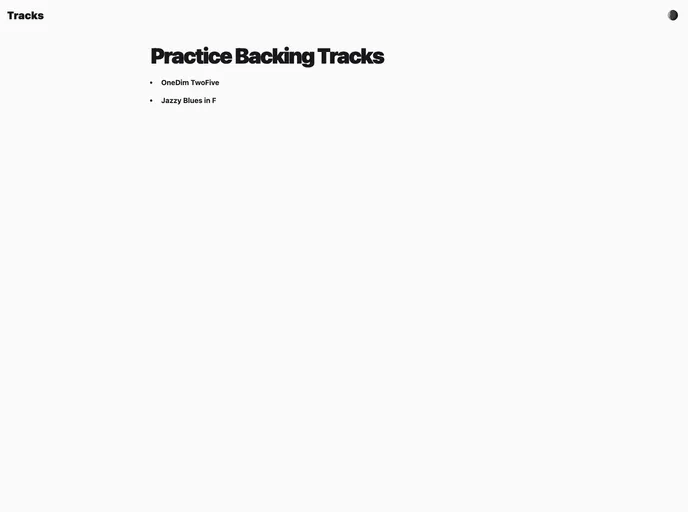
Create and play backing tracks. Practice scales, solos and changes!
Overview:
The BackyTracky is a development tool that assists in running Cypress tests. It supports component-level tests with Jest for coverage data collection and also includes Cypress end-to-end tests. The tool allows for easy setup with environment variables and integration with a hosted database. Users can contribute to the project by submitting pull requests or issues.
Features:
- Cypress Tests: The tool supports Cypress end-to-end testing for reliable test automation.
- Development 🛠: BackyTracky provides a development environment for running tests and making enhancements.
- Environment Variables: It requires a .env file with specific variables for configuration, including the database connection details.
- Integration with Hosted Database: The tool allows integration with hosted databases, with PlanetScale mentioned as an example.
- Component-level Tests: BackyTracky supports component-level testing with Jest, providing coverage data for comprehensive testing.
- GitHub Actions Integration: Tests are automatically run on GitHub actions whenever a pull request is opened.
- Contribution Support: Users can contribute to the project by submitting pull requests or issues.
Installation:
To install BackyTracky, follow these steps:
- Clone the repo or fork it.
- Create a .env file with the necessary variables for configuration.
- Ensure you have a hosted database to supply the required information.
- Run the tests by executing the Jest command for component-level tests located in the
./__tests__ directory. - Execute the Cypress command for end-to-end tests located in the
./cypress directory. - Feel free to contribute to the project by submitting pull requests or issues.
Summary:
BackyTracky is a development tool that simplifies Cypress testing by providing support for Cypress end-to-end tests and Jest component-level tests. The tool requires environment variables and integration with a hosted database. It offers integrations with GitHub actions for automated testing upon opening pull requests. Users are encouraged to contribute to the project by submitting pull requests or issues.