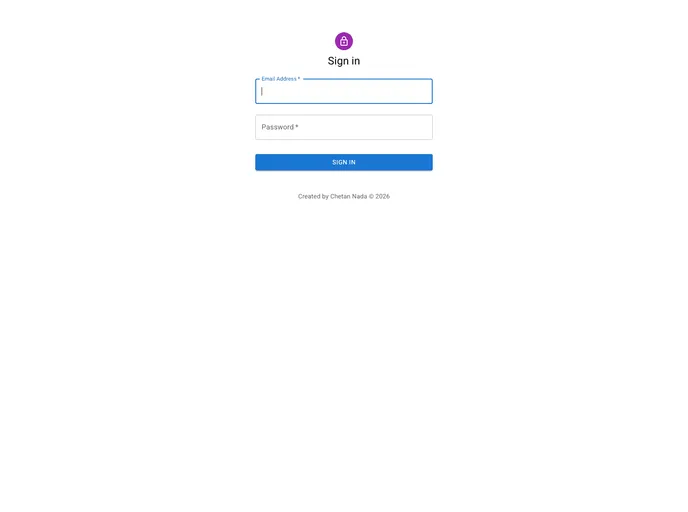
React.Js User Dashboard Panel is the project using React.Js, Webpack and MUI material
ReactJs-User-Dashboard-Panel is a project designed to help developers improve their ReactJS skills through a hands-on practical approach. The project utilizes ReactJs and MUI material and is aimed at both beginners and experienced developers in the React community. With a focus on enhancing understanding of the React framework, this repository provides a valuable resource for ReactJS developers to stay up-to-date with the latest developments in the field.
To run the ReactJs-User-Dashboard-Panel project locally, follow these steps:
Clone the repository by running the following command on the terminal screen in vscode:
git clone [repository URL]
Navigate to the project directory:
cd [project directory]
Install the project dependencies:
npm install
Start the server:
npm start
The application should now be running on localhost.
ReactJs-User-Dashboard-Panel is a useful resource for ReactJS developers looking to enhance their skills and stay updated with the latest developments in the React community. With its focus on practical projects and hands-on learning, this repository provides a valuable platform for both beginners and experienced developers. The project utilizes ReactJs and MUI material to create a user dashboard panel, and contributions from the community are always welcome. By following the installation guide, developers can easily set up and run the project locally. Happy coding!

