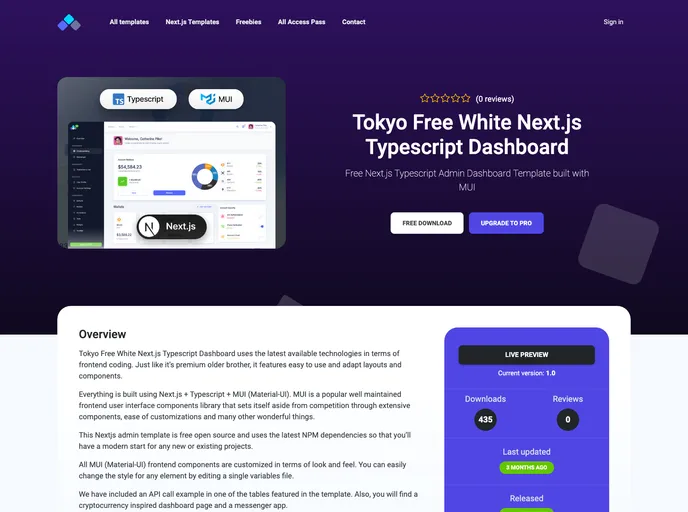
Free React Typescript Admin Dashboard Template built with MUI (Material-UI) featuring a light color scheme
Overview:
The Free Material-UI Next.js Typescript Dashboard Template with Dark Color Scheme is a versatile and user-friendly theme that combines the power of Material-UI, Next.js, and Typescript to create a stunning and responsive dashboard for web applications. With its dark color scheme, it adds a touch of elegance and modernity to any project. This template is offered for free, making it an attractive option for developers looking for a high-quality and cost-effective solution.
Features:
- Material-UI: The theme is built with Material-UI, a popular React UI framework that provides ready-to-use components and styles, ensuring a consistent and visually appealing design.
- Next.js: Powered by Next.js, this template benefits from server-side rendering and automatic code splitting, enabling faster page loads and improved performance.
- Typescript: Written in Typescript, the theme offers strong static typing, which enhances code maintainability, reduces bugs, and provides better developer productivity.
- Responsive Layout: The dashboard template is designed to be fully responsive, ensuring that it looks and functions seamlessly across different devices and screen sizes.
- Dark Color Scheme: The dark color scheme adds a sleek and modern touch to the theme, making it visually appealing and suitable for various applications.
- Customizable Components: The template provides a wide range of customizable components, allowing developers to easily modify and adapt the dashboard to fit their specific needs.
- Authentication and Authorization: The theme includes built-in authentication and authorization features, allowing developers to easily implement user registration, login, and role-based access control.
- Documentation and Support: The template comes with comprehensive documentation and support, making it easy for developers to understand and utilize its features effectively.
Installation:
To install the Free Material-UI Next.js Typescript Dashboard Template with Dark Color Scheme, follow these steps:
- Clone the repository or download the source code from the provided link.
- Navigate to the project directory.
- Install the required dependencies by running the following command:
- Start the development server with the following command:
- Open your browser and access the dashboard at the specified localhost address.
Summary:
The Free Material-UI Next.js Typescript Dashboard Template with Dark Color Scheme is a highly functional and visually appealing theme that offers a range of features to simplify the development of web applications. With its integration of Material-UI, Next.js, and Typescript, it provides a powerful and efficient solution for developers. The template’s dark color scheme and customization options add versatility and modernity to the design. Overall, it is a valuable resource for developers looking to create stunning and responsive dashboards.