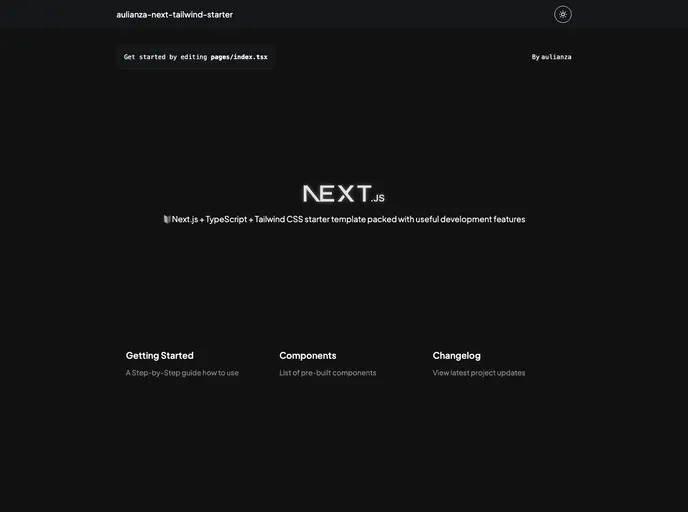
Next Tailwind Starter screenshot

Next Tailwind Starter

Author Avatar Theme by Aulianza
Updated: 3 Sep 2024
5 Stars

Next.js + TS + Tailwind CSS starter template packed with useful features

Categories

Overview:

This document is a product analysis of a Next.js with Typescript and Tailwind CSS starter template. The template is designed to simplify complex configurations and time-consuming setups for developers, allowing them to focus on their work effortlessly. The creator welcomes feedback and suggestions for improvement.

Features:

  • Next.js 13.4
  • React 18
  • TypeScript
  • Tailwind CSS 3
  • Jest - Configured for unit testing
  • Absolute Import and Path Alias - Import components using @/ prefix
  • ESLint - Find and fix problems in the code, also auto sort imports
  • Prettier - Format code consistently
  • Husky & Lint Staged - Run scripts on staged files before committing
  • Conventional Commit Lint - Ensure compliance with conventional commit format
  • Snippets - Collection of useful code snippets
  • Dark Mode & Light Mode - Switch theme with one click

Installation:

  1. Clone this template using one of the three methods:
    • Use this repository as a template
    • Use create-next-app
    • Use degit
  2. Install dependencies (yarn is recommended for proper functioning of husky hooks).
  3. Run the development server using the provided command. Open http://localhost:3000 in your browser to view the result.
  4. Change default settings including title, URLs, favicons, etc. Also, update the package name in package.json.
  5. Use conventional commit format for committing changes.

Summary:

This product is a Next.js with Typescript and Tailwind CSS starter template that aims to simplify the configuration and setup process for developers. It provides a range of features including support for React, TypeScript, unit testing, import aliases, code formatting, Git hooks, code linting, and more. The template allows for easy customization and supports dark and light themes. The installation process involves cloning the template, installing dependencies, running the development server, and making necessary changes to customize the template for a specific project. The template is licensed under the MIT license.