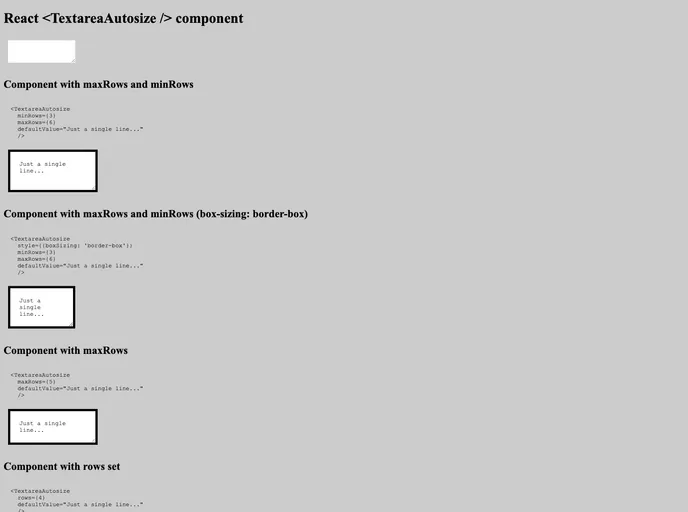
<textarea /> component for React which grows with content
React Textarea Autosize is a fantastic component designed for React applications that allows a <textarea /> to automatically adjust its height based on the content inside. This feature not only enhances the user experience by preventing scroll bars from appearing but also helps in maintaining a clean and organized interface. Whether you’re building a simple note-taking app or a complex form, this component can greatly improve how users interact with text inputs.
With its seamless integration into any React application, React Textarea Autosize is easy to implement and customize. The flexibility it offers makes it an ideal choice for developers looking to create dynamic and responsive user interfaces without compromising on functionality.
Automatic Height Adjustment: The textarea automatically resizes vertically to fit the content, ensuring that all user input is visible without the need for scrolling.
Flexible Styling Options: Developers can easily apply custom styles to match the overall design of their application, allowing for a more cohesive user experience.
Easy Integration: The component is simple to incorporate into existing React projects, making it easy for developers to adopt without extensive changes to their codebase.
Performance Efficient: Built with efficiency in mind, it minimizes performance impact by using only the necessary resources during resizing operations.
Cross-Browser Compatibility: Designed to work flawlessly across various web browsers, ensuring a consistent experience for all users.
Event Handling Support: Supports standard event handling, making it easier to respond to user inputs and changes dynamically.
Lightweight Package: The component is lightweight, which helps in keeping the overall bundle size of your application minimal without sacrificing functionality.