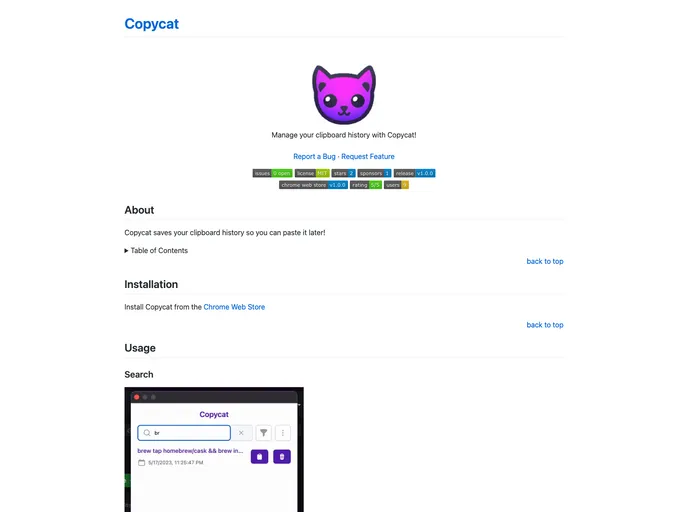
Copycat screenshot

Copycat

Author Avatar Theme by Alduncanson
Updated: 14 Jun 2025
5 Stars

Manage your clipboard history with Copycat!

Categories

Overview:

Copycat is a useful Chrome extension that allows users to save and access their clipboard history. It saves any text or images that have been copied, making it easy for users to retrieve and paste them later.

Features:

  • Clipboard History: Copycat saves the user’s clipboard history, allowing them to access previously copied text or images.
  • Search and Filter: Users can search and filter through their clipboard history to quickly find the specific content they are looking for.
  • Copy Images: Copycat even allows users to save images to their clipboard history by right-clicking an image and selecting “Copycat image”.

Installation:

To install Copycat on Chrome, follow these steps:

  1. Go to the Chrome Web Store.
  2. Search for “Copycat” in the search bar.
  3. Click on the “Add to Chrome” button next to the Copycat extension.
  4. Confirm the installation by clicking “Add Extension”.

Summary:

Copycat is a Chrome extension that enhances clipboard functionality by saving and organizing a user’s clipboard history. With features like searching, filtering, and the ability to copy images, Copycat provides a convenient way to access and paste previously copied content. Its easy installation process makes it accessible to all Chrome users.