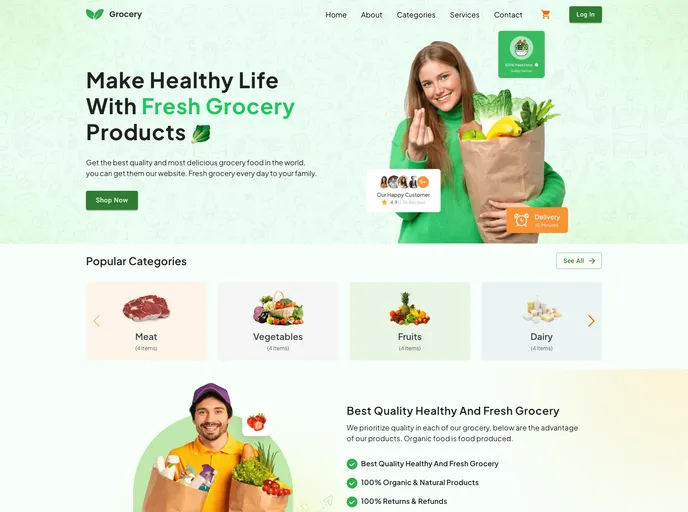
Grocery App: Simplifying grocery shopping with a user-friendly interface, seamless navigation, and secure authentication.
The Grocery Application is a user-friendly and easy-to-use landing page built with React, Material UI, and Tailwind CSS. It offers user authentication, a mobile-friendly and responsive design, a simple and minimalistic interface, product categories, a shopping cart, and the ability to place orders for selected grocery items.
To get started with the Grocery Application, follow these steps:
https://github.com/ahmod001/grocery.gitnpm installnpm starthttp://localhost:3000The Grocery Application is a user-friendly and visually appealing landing page built with React, Material UI, and Tailwind CSS. It provides essential features such as user authentication, a responsive design, a minimalistic interface, product categories, shopping cart functionality, and the ability to place orders. The installation process is straightforward with clear steps provided. The Grocery Application is licensed under the MIT License and acknowledges the contributions of the UI designer, DesignAxen.

